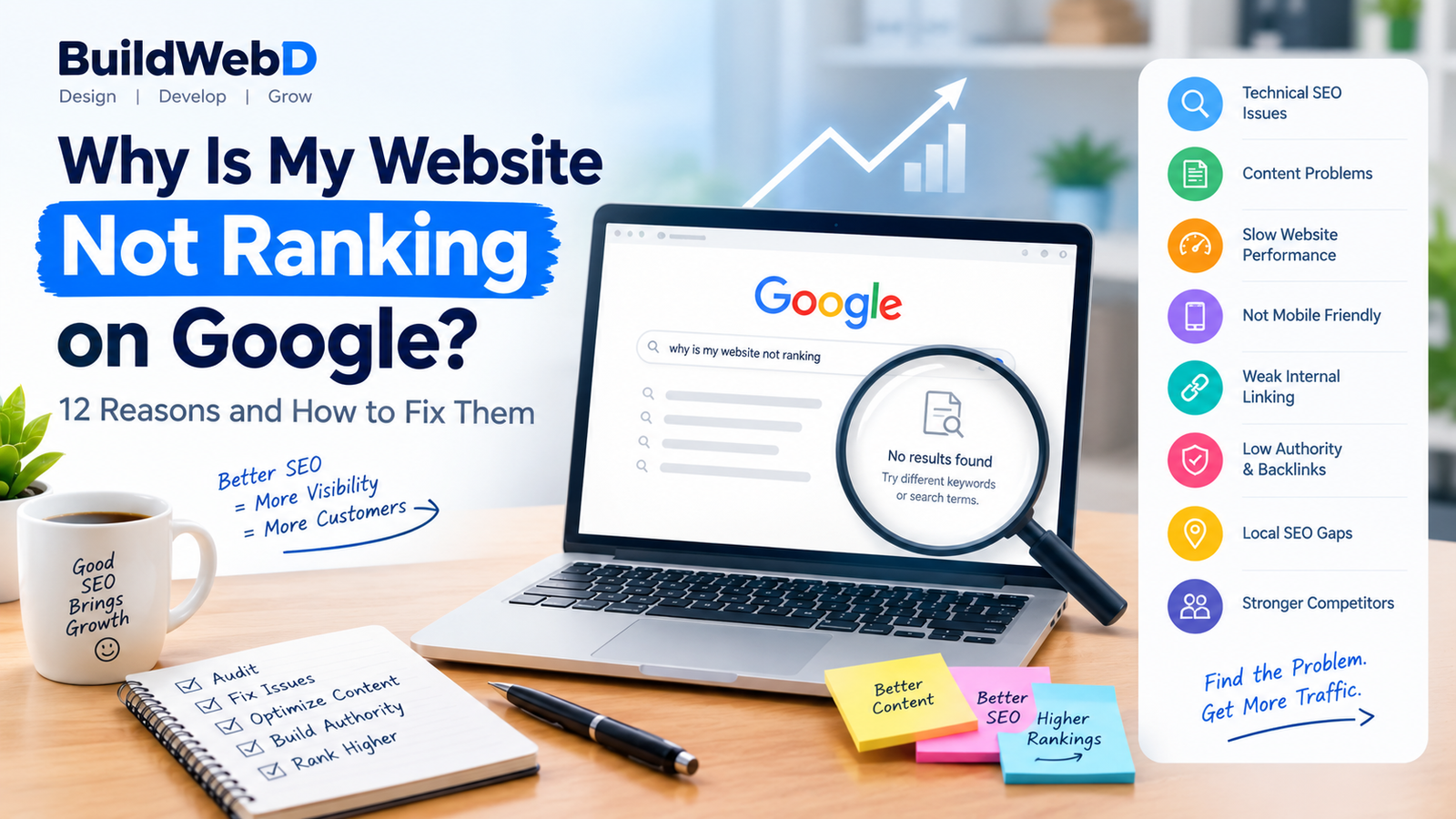
You’ve built your website, published your pages, and added your business information—but your website still isn’t appearing on Google.
You’re not alone.
Many businesses invest in a website but struggle to generate organic traffic because having a website doesn’t automatically mean Google will rank it.
If you’re asking “Why is my website not ranking on Google?”, there could be several reasons, including technical SEO problems, weak content, poor keyword targeting, slow performance, weak internal linking, or a lack of authority.
In this guide, we’ll look at the most common reasons a website doesn’t rank and what you can do to improve its visibility.
1. Your Website Is Too New
If your website was launched recently, Google may need time to discover, crawl, understand, and evaluate your pages.
New websites generally have fewer backlinks, less content history, and less established authority than older websites.
What you can do
- Submit your sitemap through Google Search Console
- Make sure important pages are indexable
- Publish useful content consistently
- Build relevant internal links
- Promote your website through legitimate channels
- Earn relevant backlinks over time
Don’t expect a brand-new website to rank immediately for highly competitive keywords.
2. Your Pages Are Not Indexed
One of the first things to check is whether Google has actually indexed your pages.
A page that isn’t indexed generally won’t appear in Google’s organic search results.
You can check indexing through Google Search Console.
Look for issues such as:
- Page blocked by robots.txt
- Noindex directives
- Crawl errors
- Duplicate URLs
- Incorrect canonical tags
- Server errors
How to fix it
Use Google Search Console’s URL Inspection tool to check important pages and identify indexing problems.
Also make sure your XML sitemap is correctly configured and submitted.
3. You’re Targeting the Wrong Keywords
One common SEO mistake is targeting keywords that don’t match the business or the website’s current authority.
For example, a small local web-development company may struggle to rank quickly for a broad term such as:
A more specific search could be more relevant:
“web development company in Hyderabad”
or:
“website development for small businesses”
The right keyword depends on your target customer, location, competition, and search intent.
4. Your Content Doesn’t Match Search Intent
Google wants to provide users with results that satisfy their search.
Suppose someone searches:
“website development cost in India”
They are probably looking for pricing information, examples, and factors that affect cost.
If your page only contains a short promotional description of your services, it may not satisfy that intent.
Better approach
Understand what the searcher wants before creating the page.
For example:
| Search | Likely Intent |
|---|---|
| website development cost in India | Research / commercial |
| web development company Hyderabad | Commercial |
| how to improve website speed | Informational |
| WooCommerce developer | Commercial |
| how to build a website | Informational |
Create content that answers the actual question behind the search.
5. Your Website Has Thin Content
Thin content provides little useful information to visitors.
Examples include pages containing:
- Very little original information
- Repeated paragraphs
- Generic AI-generated text
- Keyword stuffing
- Almost identical service pages
- Content created primarily to target search engines
Instead of publishing many weak pages, focus on creating fewer pages that genuinely help your target customers.
A good service page should explain:
- What you offer
- Who it’s for
- How your process works
- What problems you solve
- What customers can expect
- Relevant examples or case studies
- Frequently asked questions
- How to contact you
6. Your Website Isn’t Optimized for On-Page SEO
On-page SEO helps search engines understand the topic and purpose of a page.
Check the following elements:
Title tag
Your title should clearly describe the page.
H1
Use a clear primary heading that matches the main topic.
H2 and H3 headings
Use headings to organize the content logically.
URL
Keep URLs short, descriptive, and relevant.
Meta description
Write a useful description that encourages searchers to click.
Images
Compress images and use descriptive file names and alt text where appropriate.
Internal links
Link related pages together naturally.
These elements won’t guarantee rankings by themselves, but they help create a clearer website structure.
7. Your Website Is Too Slow
Website performance affects user experience and can also affect how effectively search engines crawl and evaluate your website.
Common causes of slow websites include:
- Large images
- Too many plugins
- Unoptimized code
- Poor hosting
- Excessive JavaScript
- Unnecessary third-party scripts
- Poor caching
- Unoptimized fonts
What you can do
Start by testing your important pages using Google’s PageSpeed Insights.
Then investigate the largest performance problems rather than trying to optimize everything at once.
8. Your Website Isn’t Mobile-Friendly
A large portion of web traffic comes from mobile devices.
If your website is difficult to use on a phone, users may leave quickly.
Check:
- Font size
- Button size
- Navigation
- Image scaling
- Page width
- Forms
- Pop-ups
- Checkout experience
Your website should provide a usable experience across phones, tablets, and desktops.
9. Your Website Has Weak Internal Linking
Internal links connect pages within your own website.
They help visitors discover related information and help search engines understand relationships between pages.
For example:
Blog:
“Why Is My Website Not Ranking on Google?”
↓
SEO Service Page
↓
SEO Audit
↓
Contact Page
Similarly, a blog about WooCommerce could link to your ecommerce development service.
A simple rule
Whenever you publish a new article, look for older relevant articles and service pages that naturally deserve a link.
10. Your Website Has Very Few Quality Backlinks
Backlinks are links from other websites to your website.
Relevant, trustworthy links can help search engines discover your website and understand its authority.
However, buying large numbers of low-quality links or using manipulative link schemes can create problems.
Focus on earning relevant links through:
- Original research
- Useful resources
- Industry articles
- Digital PR
- Partnerships
- Case studies
- High-quality content
- Business directories where genuinely appropriate
Quality and relevance matter more than simply collecting a large number of links.
11. Your Local SEO Is Weak
If you serve customers in a specific city, local SEO can be particularly important.
For example, a web development company targeting Hyderabad could optimize its online presence around relevant local searches.
Important areas include:
- Google Business Profile
- Consistent business information
- Local service pages
- Location-relevant content
- Customer reviews
- Local citations
- Relevant local links
Avoid creating dozens of nearly identical city pages just by changing the city name.
Each location page should provide genuinely useful, location-specific information.
12. Your Competitors Have Stronger Content and Authority
Sometimes your website is technically healthy but competitors simply have stronger pages.
They may have:
- More comprehensive content
- Better user experience
- More relevant backlinks
- Stronger brand recognition
- Better internal linking
- More useful resources
- More established websites
In this situation, don’t just add more words to your page.
Study what searchers actually need and create something more useful, clearer, and more relevant.
How to Check Why Your Website Isn’t Ranking
Start with these tools:
Google Search Console
Check:
- Indexing
- Search queries
- Impressions
- Clicks
- Average position
- Sitemap status
- Page indexing issues
Google Analytics
Check:
- Organic traffic
- Landing pages
- Engagement
- Conversion activity
PageSpeed Insights
Check:
- Performance
- Mobile experience
- Core Web Vitals
- Technical opportunities
Using these tools together can help you identify whether the problem is technical, content-related, competitive, or related to search intent.
SEO Checklist: Is Your Website Ready to Rank?
Use this quick checklist:
- Important pages are indexed
- XML sitemap is submitted
- Robots.txt is correctly configured
- Important pages have unique titles
- Pages have clear H1 headings
- URLs are descriptive
- Content matches search intent
- Website is mobile-friendly
- Important pages load efficiently
- Images are optimized
- Internal links connect relevant pages
- Local SEO is optimized where relevant
- Website has useful, original content
- Search Console is monitored
- Website performance is reviewed regularly
How Long Does It Take to Rank on Google?
There is no guaranteed timeline for Google rankings.
It depends on factors such as:
- Website age
- Competition
- Keyword difficulty
- Content quality
- Search intent
- Technical SEO
- Website authority
- Backlinks
- Industry
- Location
Some pages may begin receiving impressions relatively quickly, while competitive keywords can take considerably longer.
SEO should therefore be treated as an ongoing process rather than a one-time website setup task.
Should You Hire an SEO Company?
If you don’t have the time or technical knowledge to investigate your website’s search performance, an SEO professional can help identify issues and create a strategy.
An SEO project may involve:
- Technical SEO audit
- Keyword research
- Competitor research
- On-page optimization
- Content strategy
- Internal linking
- Local SEO
- Performance optimization
- Search Console analysis
- Authority and link-building strategy
The right approach depends on the website’s current condition and business objectives.
Final Thoughts
If your website isn’t ranking on Google, don’t immediately assume that you need hundreds of new blog posts or thousands of backlinks.
First, identify the actual problem.
Check whether your important pages are indexed. Review your keywords and search intent. Improve your content. Fix technical issues. Improve website performance and mobile usability. Strengthen internal linking and build relevant authority over time.
SEO works best when technical health, useful content, search intent, user experience, and authority work together.
If your website isn’t generating the search visibility or enquiries you expect, BuildWebD can help you identify SEO and website issues and develop a strategy around your business goals.
Frequently Asked Questions
Why is my website not showing on Google?
Your website may not be indexed, may have technical SEO problems, or may not yet have enough relevance or authority for the searches you’re targeting.
How do I check if Google has indexed my website?
Google Search Console provides indexing information and allows you to inspect individual URLs.
Why does my website rank on page 2 but not page 1?
This can happen for many reasons, including competition, content quality, search intent, internal linking, authority, and overall page experience.
Can a new website rank on Google?
Yes. However, ranking speed varies significantly depending on the competition, topic, location, content, technical setup, and authority of the website.
Does website speed affect SEO?
Website performance contributes to page experience and can affect how users interact with your site. Improving performance is therefore an important part of maintaining a healthy website.
How can I improve my Google rankings?
Start with technical SEO, search intent, useful content, on-page optimization, internal linking, mobile usability, performance, and relevant authority-building activities.
Add a Comment